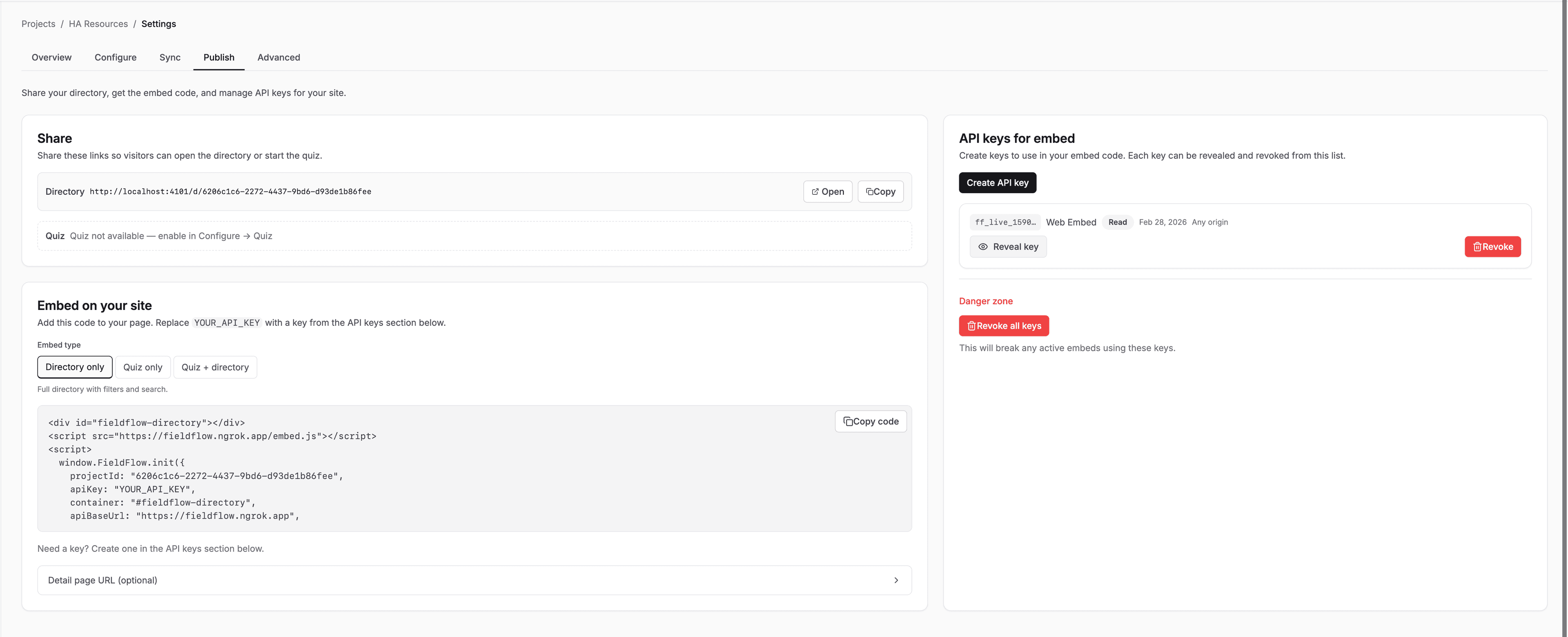
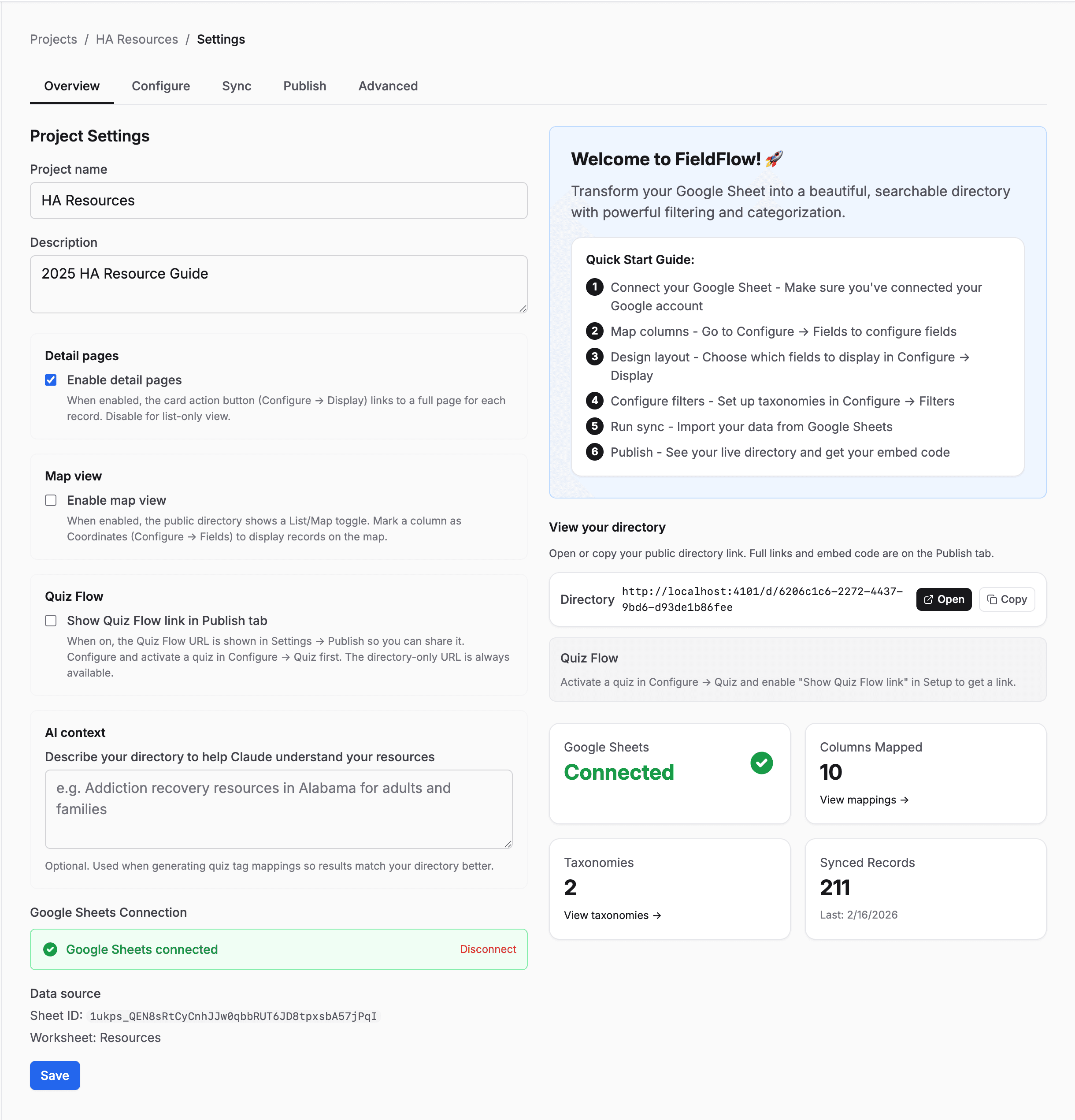
What FieldFlow does
Connect a Google Sheet. Configure the display. Embed a live directory on your site.
Google Sheets Sync
Your directory updates when your spreadsheet does. Connect once, then click Sync or set a schedule. Errors are logged so you always know what happened.
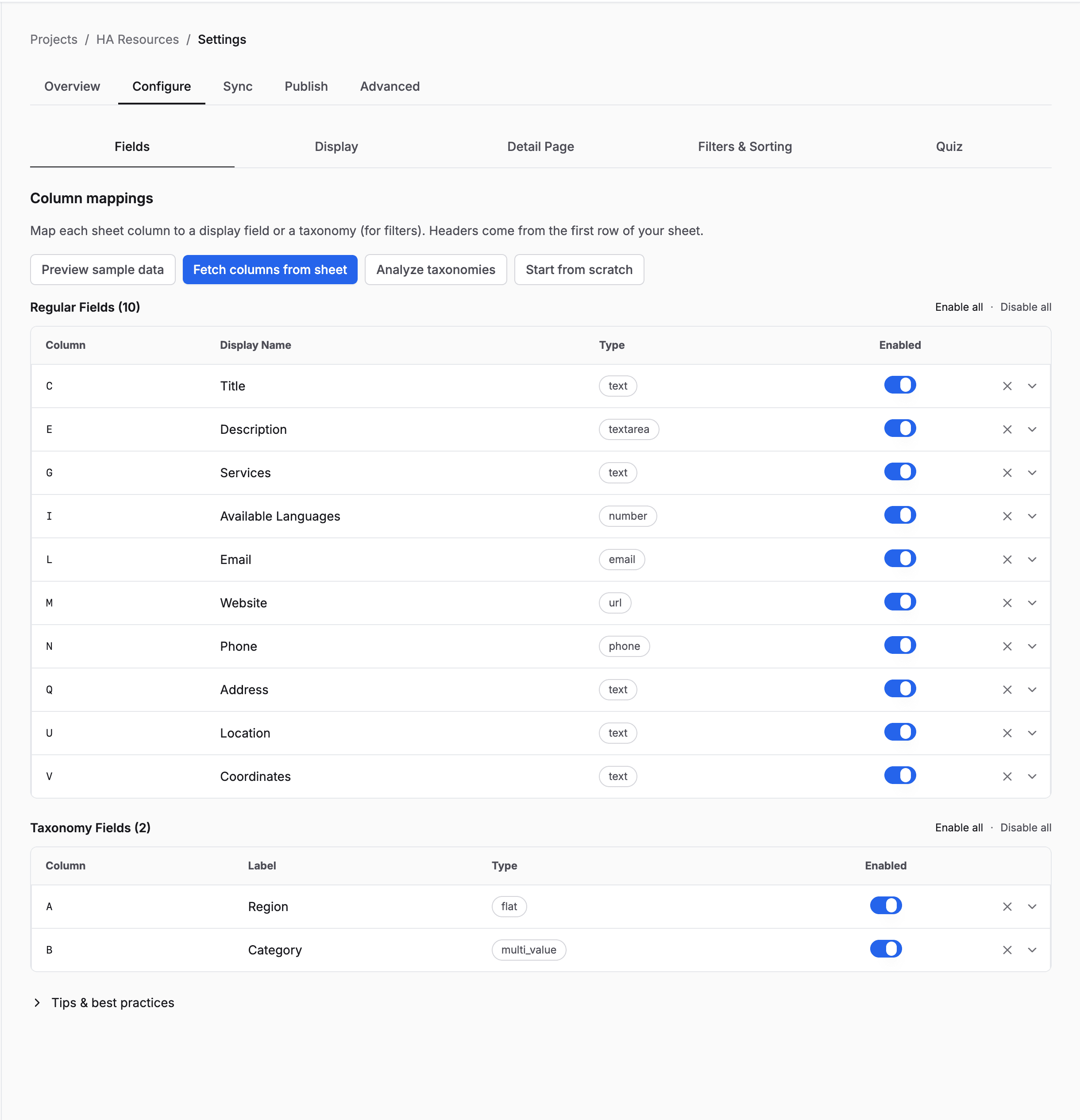
Field Mapping
Tell FieldFlow which columns are names, phone numbers, images, categories, or coordinates. It auto-detects most types and handles everything from URLs to coordinates to operating hours.
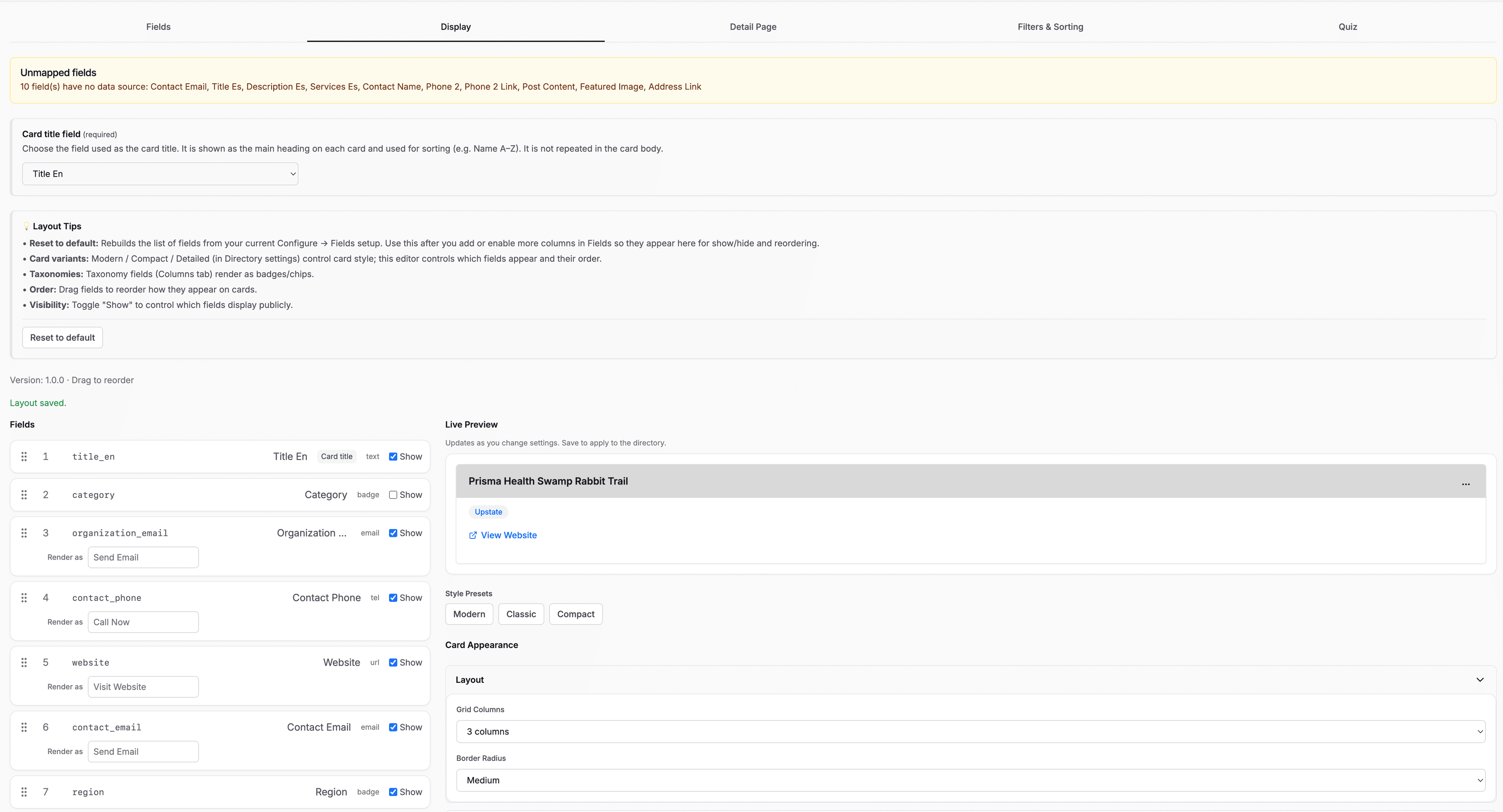
Visual Layout Designer
Pick a card style, set your colors, choose which fields to show. The live preview updates as you go. No code involved.
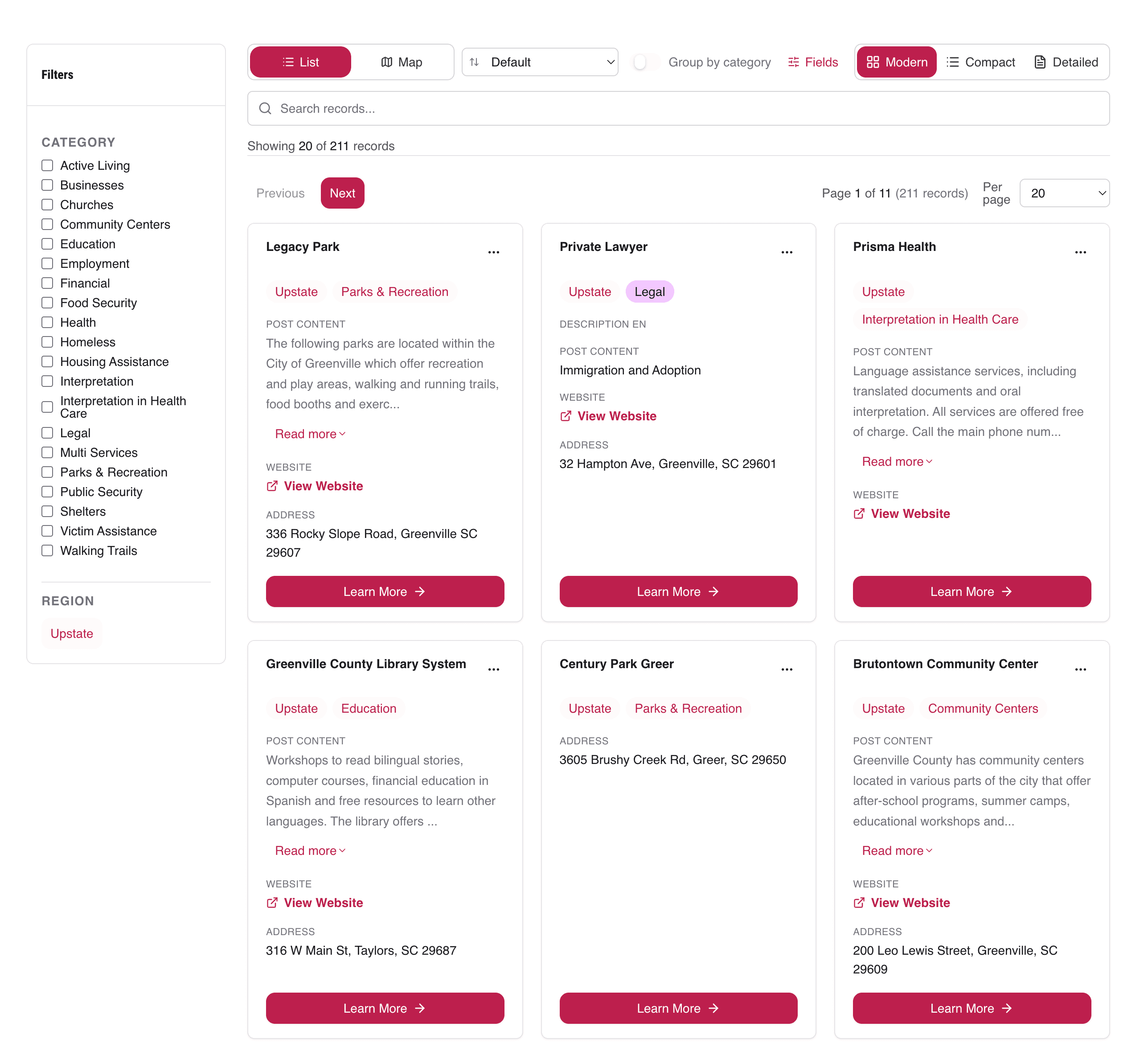
Search & Filters
Visitors type a search term or pick a category and the list narrows instantly. You define the categories. Dropdowns, checkboxes, or buttons. Pagination handles the rest.
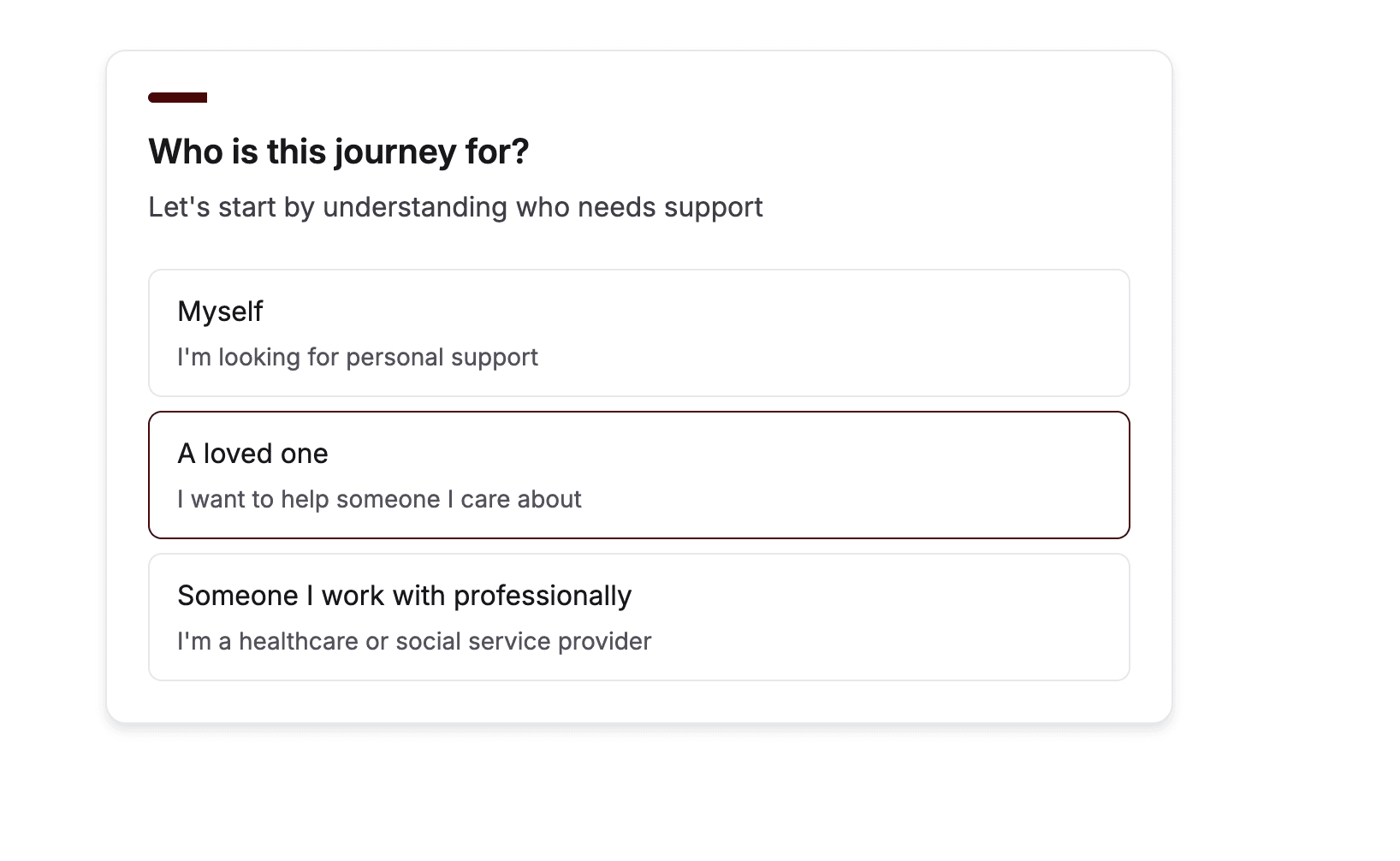
Quiz Flow
Not every visitor knows what to search for. Quiz Flow asks a few questions, then shows the resources that match. Someone answers 3 questions about what they need. FieldFlow shows them the 5 most relevant results.
AI-powered tag mapping connects quiz answers to your directory's categories. You can also map tags manually.
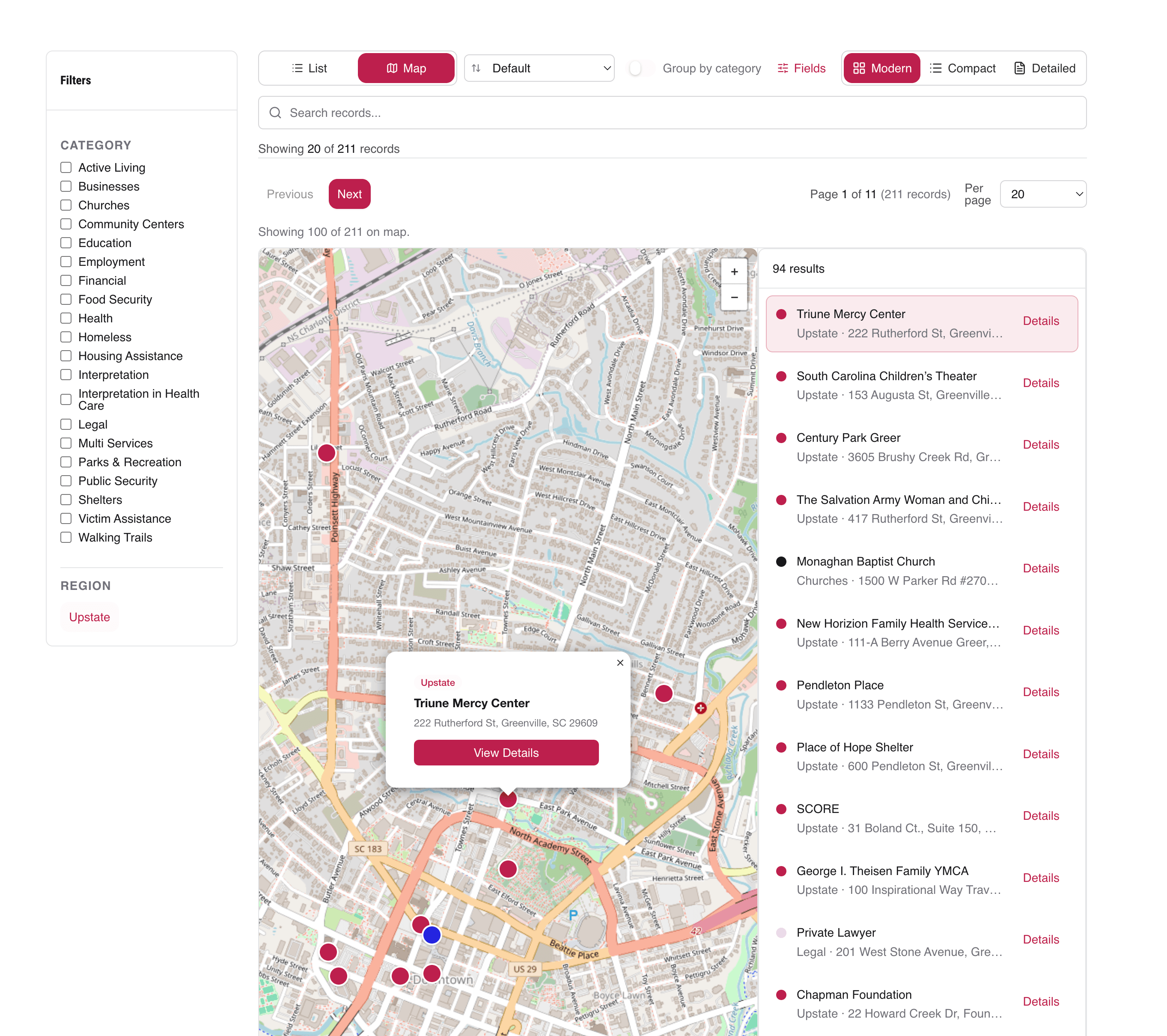
Map View
Optionally display records on an interactive map when your data includes coordinates.
API Keys
Generate scoped API keys for each embed. Restrict keys to specific domains for security.